Bringing Flair to macOS, adding perpetual and floating licenses, improving proxies and lines, and bringing Flair to Unreal Engine!
͏ ͏ ͏ ͏ ͏ ͏ ͏ ͏ ͏ ͏ ͏ ͏ ͏ ͏ ͏ ͏ ͏ ͏ ͏ ͏ ͏ ͏ ͏ ͏ ͏ ͏ ͏ ͏ ͏ ͏ ͏ ͏ ͏ ͏ ͏ ͏ ͏ ͏ ͏ ͏ ͏ ͏ ͏ ͏ ͏ ͏ ͏ ͏ ͏ ͏ ͏ ͏ ͏ ͏ ͏ ͏ ͏ ͏ ͏ ͏ ͏ ͏ ͏ ͏ ͏ ͏ ͏ ͏ ͏ ͏ ͏ ͏ ͏ ͏ ͏ ͏
| | We hope you are well wherever you are in the world, as we have some exciting updates to share with you today that many have been requesting for years! So let's get to it: 💿 Flair 1.2, now also on macOS 🎮 Beta testing Flair for Unreal Engine ⚖️ Updated End-User License Agreements 🖌️ More art-direction tutorials 🌍 Where next?
|
|
💿 Flair 1.2, now also on macOS |
|
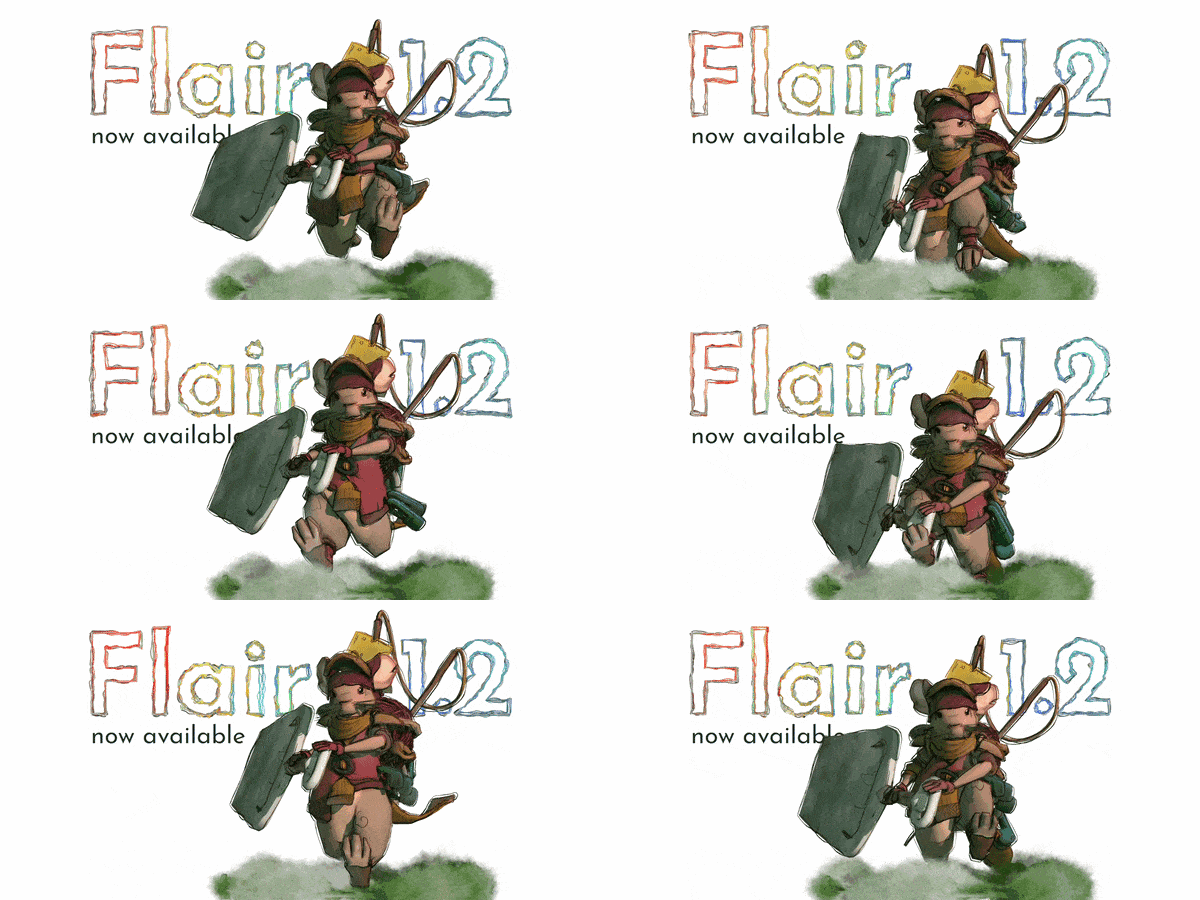
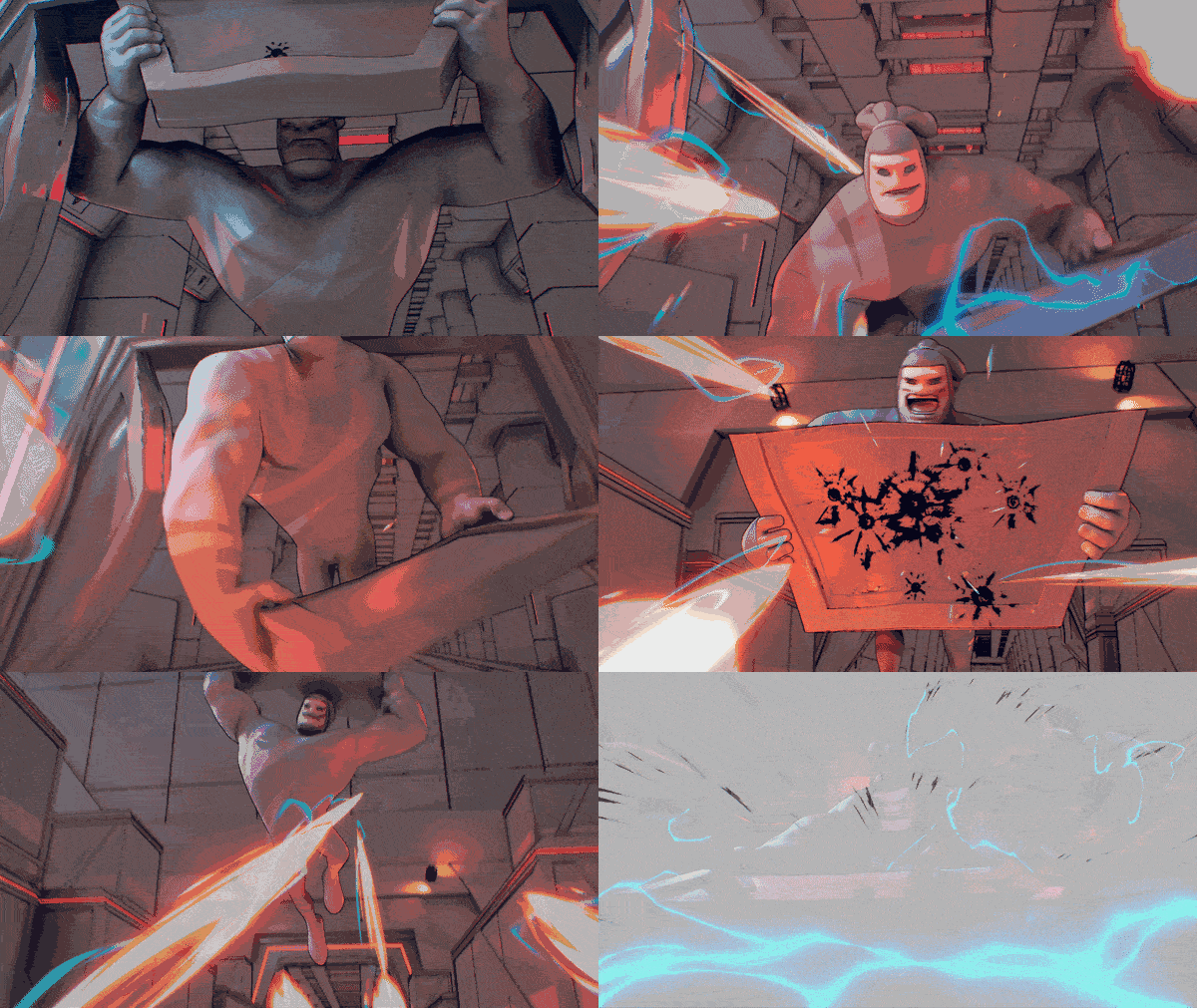
Flair 1.2 ended up becoming the biggest update to Flair yet, so we made a release video showcasing most new features.
We finally added support for macOS and revamped our licensing to offer permanent and floating licenses! This should truly accommodate everyone’s preferences.
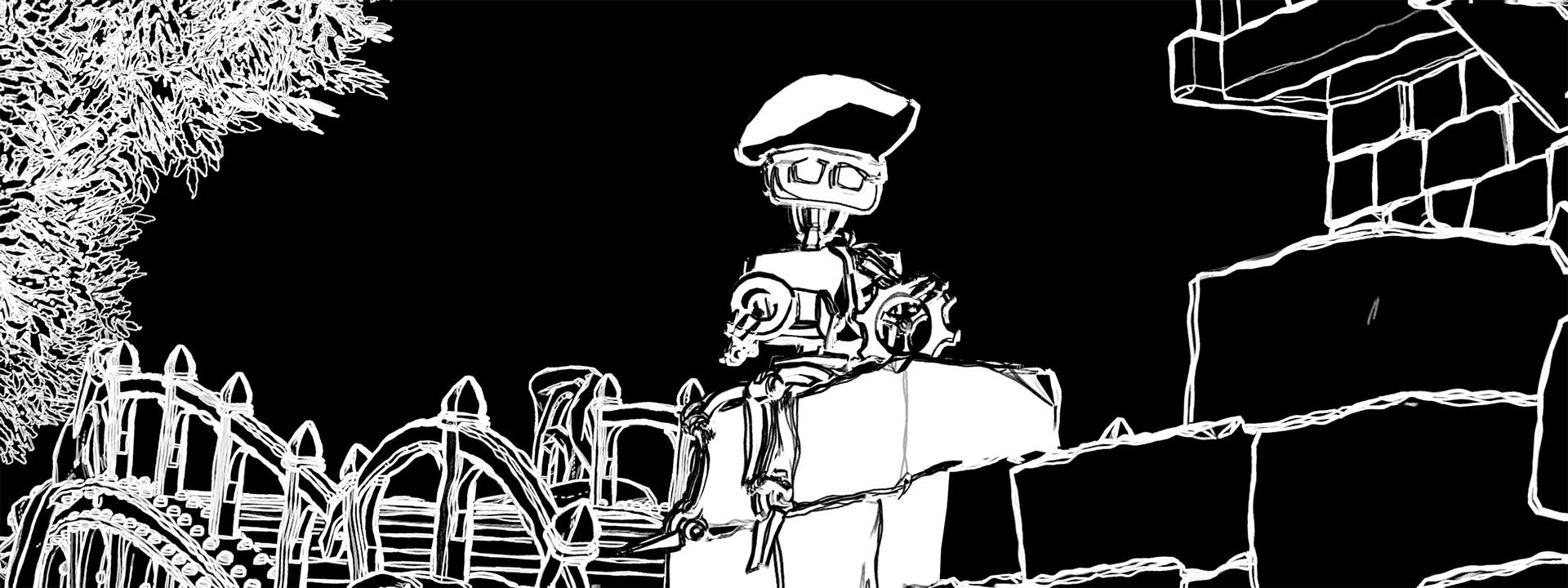
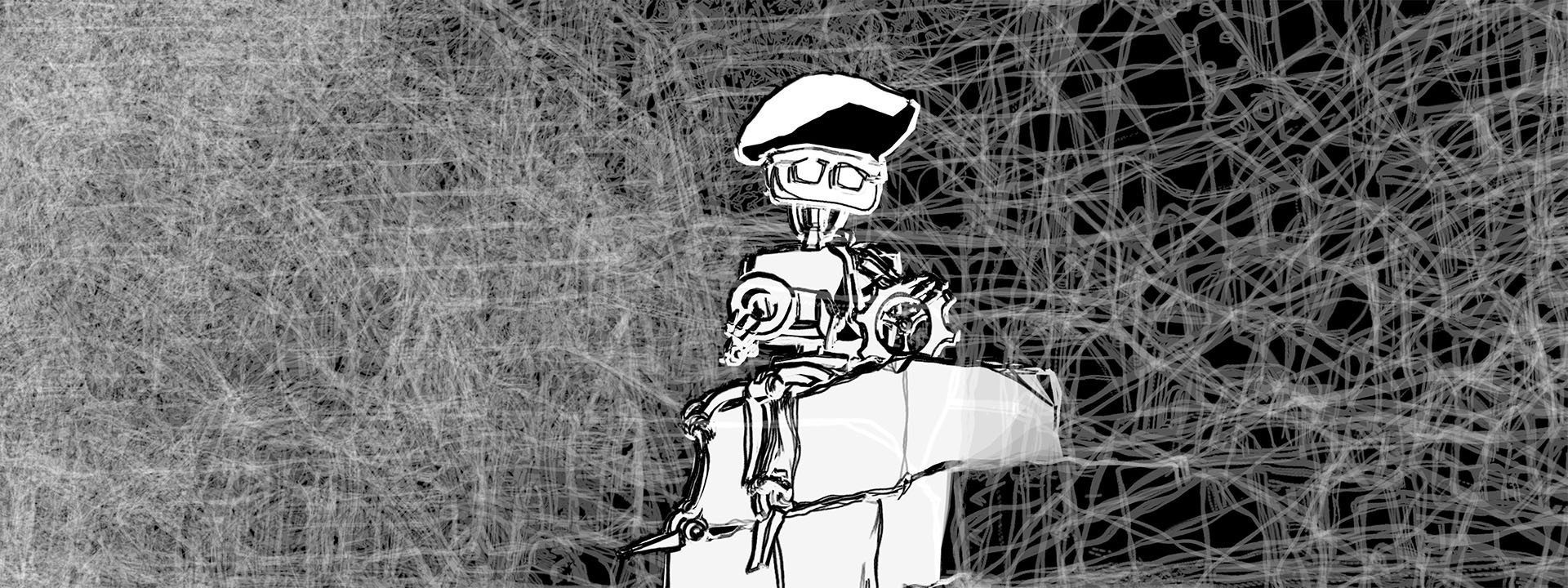
While doing this, we refactored things internally resulting in substantial performance improvements in complex scenes during saving/opening and rendering. The flairShader material has been extended to also function as a proxy and styles with lines have new features to control the sketchiness based on depth, have more control over outlines and inlines and even have negative light response to achieve film noir styles!
For a the full list of changes, make sure to check out the release log. |
|
Baker and the Bridge scene by Conrad Justin (CC BY 4.0) - Stylized with Flair for Maya |
|
🎮 Beta testing Flair for Unreal Engine
|
|
A-COM Animation Sample by Agora Studio - Stylized with Flair for Unreal Engine |
|
Help us test out Flair for Unreal Engine |
|
We are incredibly thankful to have received an Epic MegaGrant last year!
While it meant we had to completely overhaul our development roadmap (hence the super late Maya update), it allowed us to focus these past months on bringing Flair to Unreal Engine!
We took the opportunity to start all over again with everything we learned from developing Flair for Maya. So, while not nearly as feature-rich as Flair for Maya yet, Flair for Unreal Engine is completely modular. This means that you are able to mix and match different effects to create your own style!
Curious as to what a modular Flair looks like? Reply to this email with your interest and we'll add you to our list of beta testers. Testing will take place in April and all we ask in return is for you to fill out a questionnaire at the end of the month to help us prioritize features and guide future development. |
|
⚖️ Updated End-User License Agreements
|
|
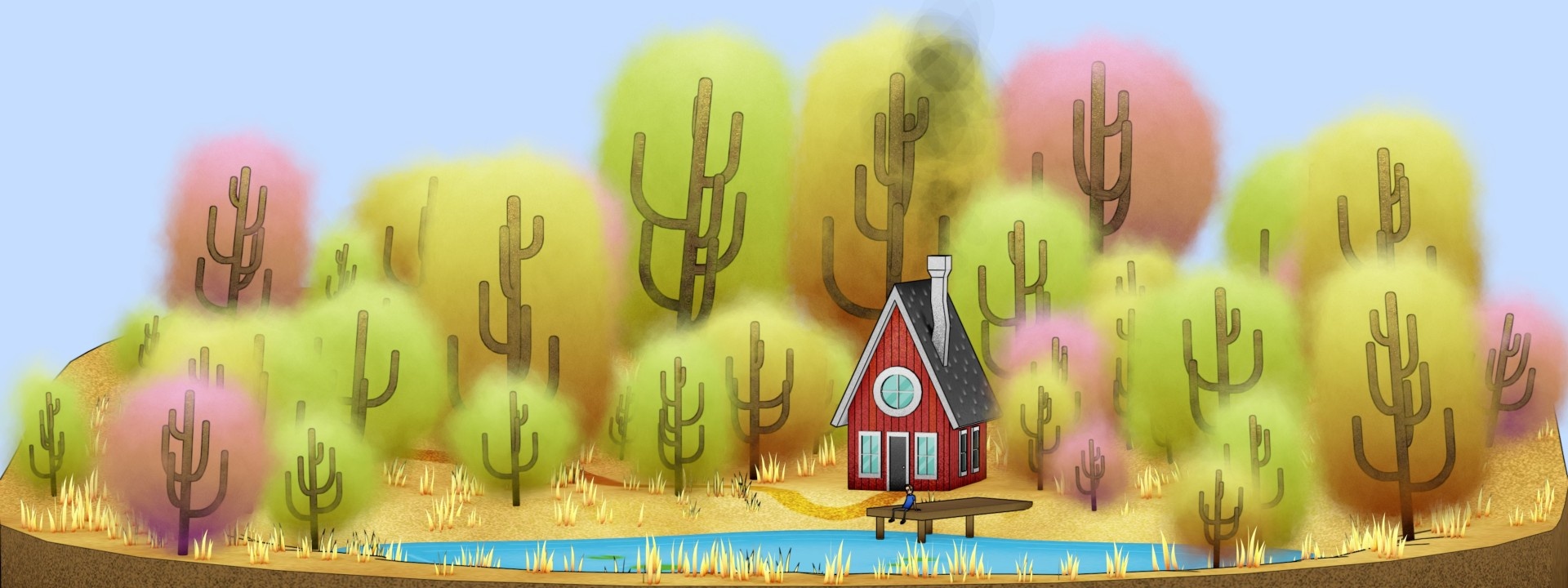
House on Lake scene by Bogdan Streletskiy (CC BY 4.0) - Stylized with Flair for Maya |
|
We've updated the End User License Agreements (EULAs) across all Flair tiers. Here are the most important changes: Multi-product coverage. All EULAs now explicitly cover Flair for Maya and Flair for Unreal Engine under a single agreement per tier. Flair Studio — Perpetual licenses. Studio users can now purchase perpetual licenses in addition to subscriptions, giving more flexibility on licensing Flair. Flair Indie — Revenue-based eligibility. The Indie tier is now available to individuals and entities earning up to $250,000 USD in gross annual revenue (replacing confusing employee-count restriction). Existing Indie subscribers may continue under their original terms as long as their subscription remains active. Flair Indie — Educational & non-profit access. Accredited educational institutions and registered non-profit organizations can now use Flair Indie regardless of their revenue, including through floating licenses for their members.
The updated EULAs take effect on April 26, 2026. The current terms remain in effect until then. You can review the full agreements on our legal page. |
|
🖌️ Art-direction Tutorials
|
|
|
| |
| |
|
| | We continue releasing Flair for Maya tutorials!
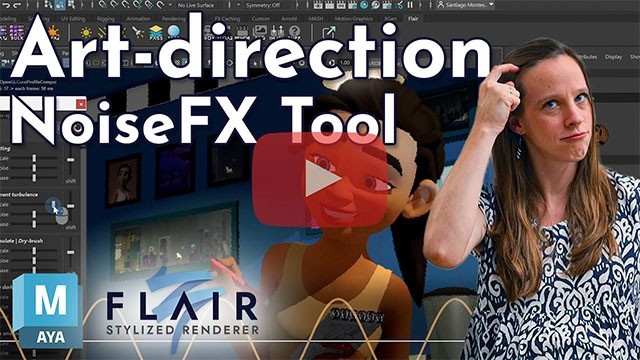
In case you haven't seen them yet, the art-direction series go in-depth into each level-of-control within Flair. New tutorials cover the flairShader painterly material, changing materials in bulk and using the NoiseFX tool. Click on the video buttons to view the relevant tutorial.
In other tutorials we also explore how to stylize a rig and merge 2D and 3D animation with a Toon Boom Harmony and Maya workflow. |
|
While Artineering works remotely, we are friendly digital nomads who'd love to connect. If you happen to be nearby where we will be in the coming months, let's meet! Now - April 12 - Singapore April 12 - May 15 - Stuttgart, Germany (FMX 2026) May 15 - June 20 - Bühl, Germany June 20 - July 4 - Annecy, France (Annecy Festival 2026)
|
|
|
| |
| |
|
| | We hope you liked our update and keep having fun using Flair!
Thank you for reading this far and for your continued support. |
|
Henriette, Santiago and Hang Bin (our intern) |
|
|
| |
| |
|
| | You are receiving this email because you signed up for our newsletter or made a purchase in our shop. Copyright © 2026 Artineering OÜ, All rights reserved. |
|
|
| |
| |
|

|